
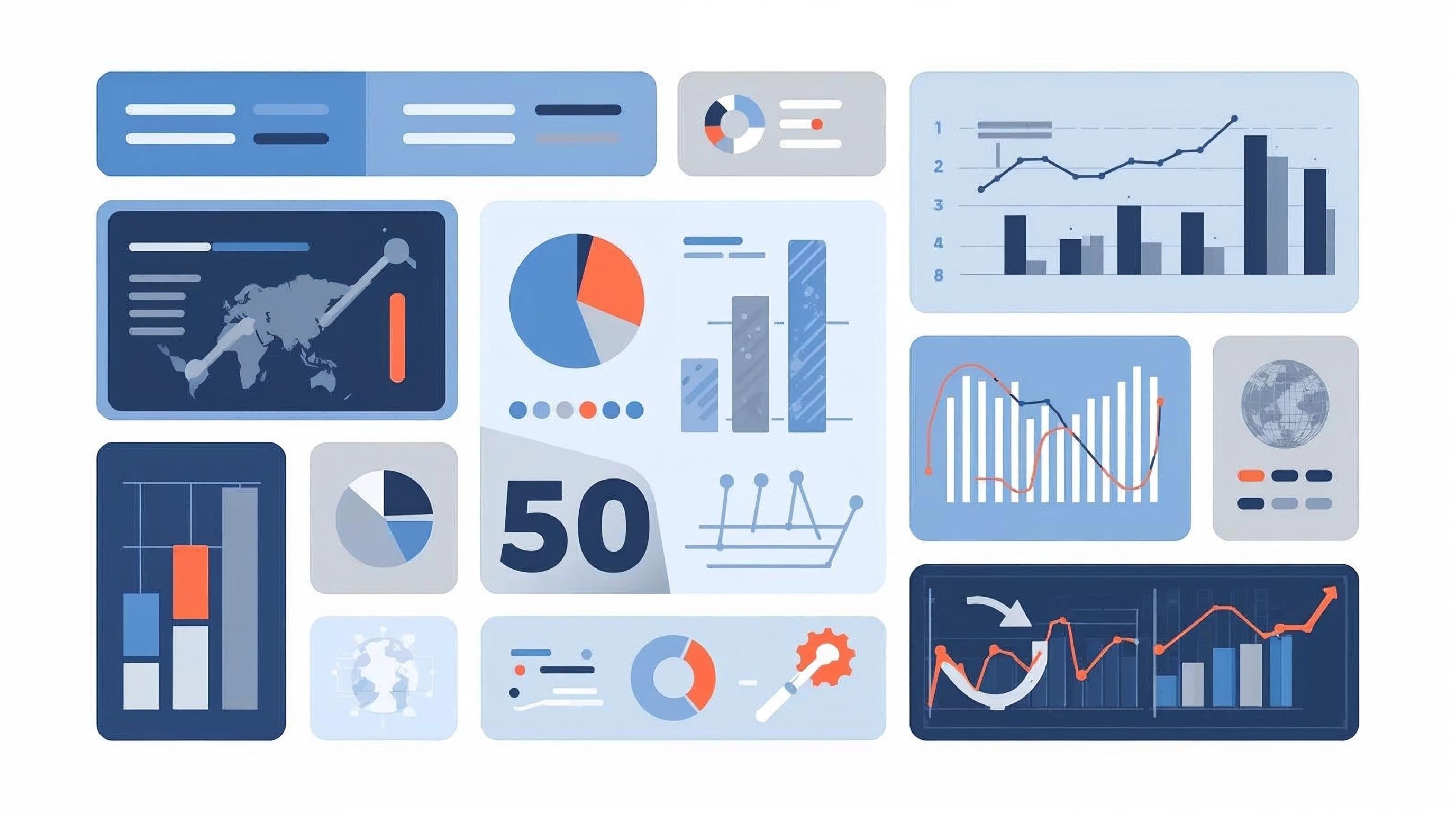
AI Data Analytics & Dashboards: From Queries to Decisions
Executive Summary
AI is reshaping analytics and BI: natural-language to SQL lowers the barrier to analysis, automated forecasting improves accuracy and speed, and copilots in BI tools help non-experts build insights and dashboards faster. The goal isn’t “more charts”—it’s better decisions with less cognitive load, tighter governance, and measurable ROI. Gartner
What Is AI Data Analytics?
AI data analytics applies machine learning and large language models (LLMs) to the analytics lifecycle—data prep, insight generation, explanation, and automation—often called augmented analytics. Instead of static dashboards, teams get guided insights, natural-language questions, and automated modeling embedded in BI platforms.
Why it matters now
- Natural-language interfaces (NL→SQL) let stakeholders query governed data without deep SQL expertise.
- Forecasting results show ensembles + automation reliably lift accuracy for demand, staffing, revenue planning.
- Leading BI suites ship AI copilots that write queries, build visuals, and explain patterns.
Core Capabilities You Can Deploy Today
- Natural-Language to SQL (NL2SQL): Ask “show Q3 churn by segment,” have the system generate/validate SQL against your schema, with traceability.
- Predictive & Prescriptive Analytics: Automated time-series/classification for forecasting, propensity, anomaly detection; prescriptive layers translate predictions into recommended actions.
- AI-assisted Data Prep & Modeling in the Warehouse: Author SQL/Python with chat assistance; train/host models where the data lives to reduce movement and latency.
- AI-enhanced Dashboards & BI Copilots: Ask questions, auto-generate visuals, get explanations and recommended follow-ups.
- Unstructured Analytics (Images/Video/Text): Run sentiment, classification, or summarization alongside warehouse data and surface the results in BI.
Dashboards That Drive Action (Not Fatigue)
Good AI won’t save a bad dashboard. Research shows information load and user cognitive style strongly affect cognitive burden; “more” is rarely “better.” Make AI work for clarity: generate narrative summaries, highlight anomalies, and limit on-screen elements to decision-critical KPIs.
Design checklist
- Start with a question → metric → threshold → action.
- Use AI explanations to state why a change happened and what to do next.
- Prefer drill paths and small multiples over dense single views.
- Log user queries to refine prompts, synonyms, and governed metrics.
Platform Landscape (What’s Real in 2025)
- Google BigQuery + Gemini / Looker: AI helps write SQL, generate LookML, explain visualizations; Vertex AI links unstructured + predictive workloads.
- Microsoft Power BI (Fabric) + Copilot: Full-page Copilot finds datasets/reports and answers questions across your workspace.
- Tableau + Einstein/Agent: Conversational analysis that turns prompts into visuals and calcs in Web Authoring.
- Qlik Insight Advisor: Auto-generated insights and natural-language interaction.
Choose based on governance, semantic layer maturity, security posture, and your existing warehouse.
Implementation Blueprint (6 Weeks to Value)
Week 1 — Use-case & metric contract: Pick one decision loop; define authoritative metrics and data owners.
Week 2 — Data readiness: Profile quality, centralize transforms in the warehouse, document lineage; connect BI to governed models.
Week 3 — Copilot & NL2SQL enablement: Turn on assistants; enforce schema grounding and query validation; capture NL→SQL traces for audit.
Week 4 — Forecasting & alerts: Deploy automated forecasts/propensity models; set thresholds and prescriptive playbooks.
Week 5 — Dashboard redesign: Generate narratives and spotlights; reduce tiles; add action-aligned drill-throughs; validate with user tests for cognitive load.
Week 6 — Governance & rollout: RLS, prompt catalogs, usage logging, review workflows; launch with training and office hours.
Measuring Success
- Decision latency: question → approved action.
- Adoption & trust: NL query success rate; % of analyses via copilot.
- Forecast quality: MAPE/WAPE vs. baseline; ensemble uplift.
- Outcome KPIs: stockouts avoided, marketing lift, churn reduction.
- Cognitive load proxy: tiles per page, time-to-insight in user tests.
Conclusion
AI data analytics isn’t about replacing analysts; it’s about augmenting them with natural-language access, automated modeling, and clearer, action-oriented dashboards. Start with one decision loop, pair AI copilots with tight governance and good design, and measure the impact on decision speed, accuracy, and outcomes.